The announcement post is the easy one. The weeks between the announcement and the event are where most organizers run dry, and a quiet feed makes an event look quiet, too.
Here are 15 post ideas you can rotate across Instagram, TikTok and anywhere else your crowd scrolls, roughly in the order you'd use them. Each one gives people a new reason to buy, share or tag a friend.
When you announce
- The save-the-date. Date, city and one strong image. Keep it short and put your event link in your bio or story. Once your event is live on Beatmatch, you can share the event link on any social platform (Create an Event).
- The full announcement with the flyer. Everything in one place: date, time, venue, lineup and where to get tickets. How to Make a Party Flyer That Sells Tickets covers what the flyer needs.
- Why this event exists. A short video or caption from you: who it's for, what music to expect and why you started it. People buy from organizers they feel they know.
- The ticket tiers, explained. Say what each ticket includes and when the first tier ends. Clear ticket names and descriptions help guests understand what they're buying (Create Ticket Options).
Build the lineup hype
- Lineup reveals, one artist at a time. Give each performer their own post and tag them. On Beatmatch, add them to your event lineup as well, so fans can tap through to their artist profiles and the artists' followers can discover your event (Add Performers to an Event Lineup).
- A sound preview. A 15-second clip of each DJ's style, with their OK. It answers the question every guest has: what will this sound like?
- Performer posts. Ask your performers to post about the event to their own followers. Artists can send posts and text blasts to the people who follow their artist profile on Beatmatch (Message Your Fans with Posts and Text Blasts).
- The set times. A clean schedule post gives people a reason to come early for the opener. How to Plan Set Times for Your Party walks through building one.
Show the room
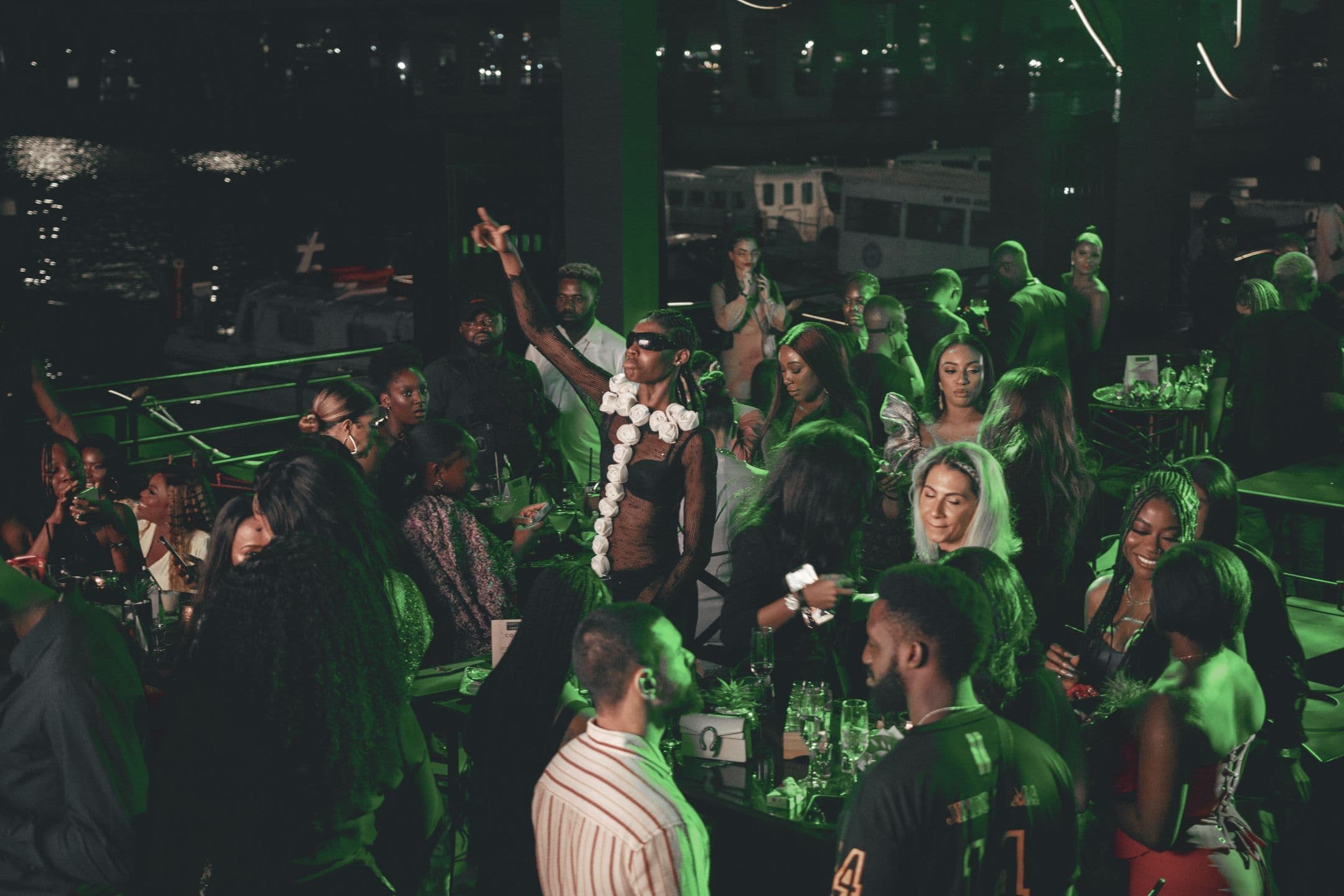
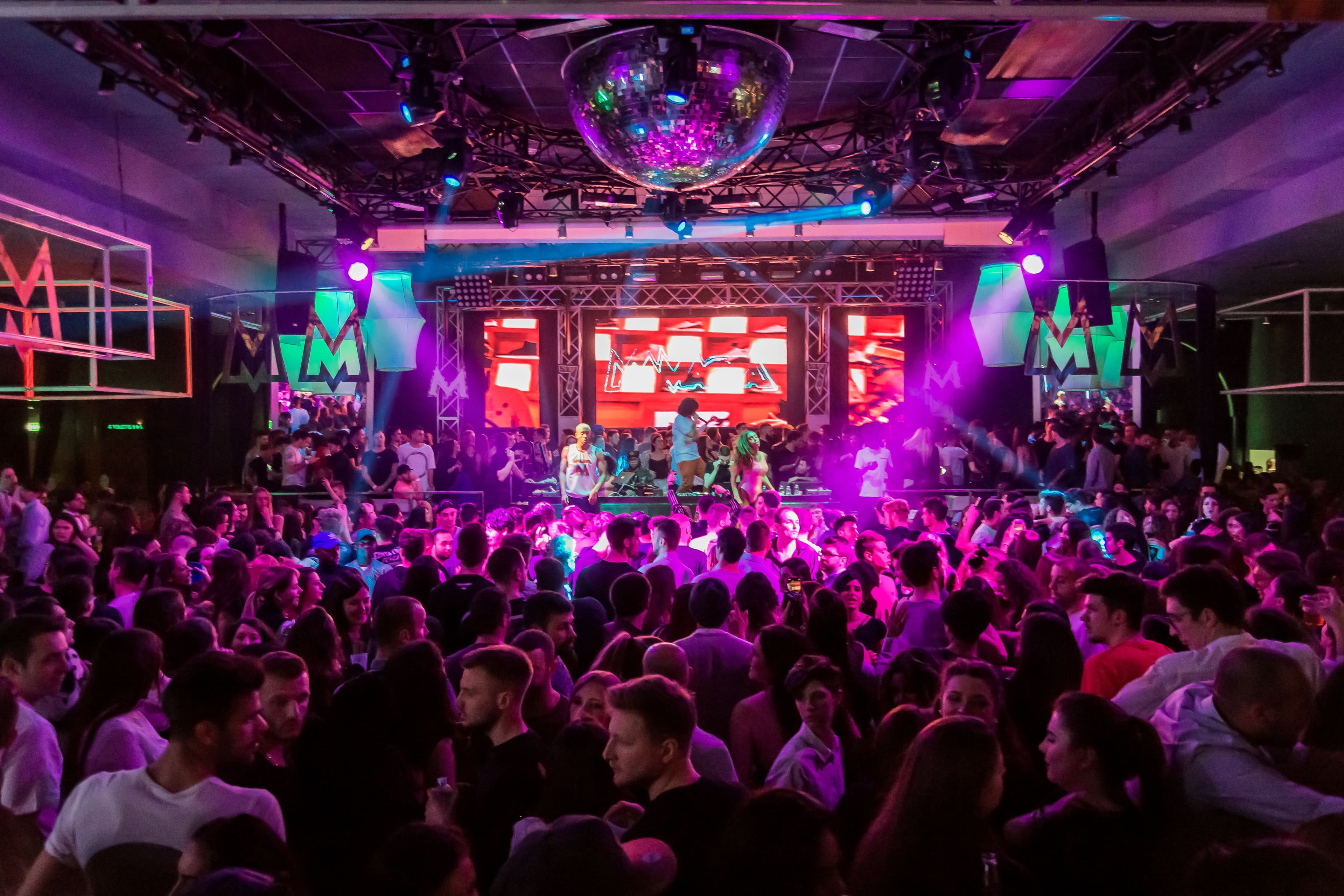
- Photos and clips from your last event. The fastest way to show what your event feels like. If you're starting a library, Event Photography Checklist: 12 Shots Every Organizer Needs lists the shots to get.
- A venue tease. The room with the lights down, the booth, the bar, the sound system. Shoot it after dark so it looks the way guests will see it.
- Behind the scenes. A sound check, a decor test or your team setting up. Rough phone footage is fine here.
- The FAQ post. Dress code, entry time, ID rules, parking and what to bring. Pull the answers from your event description so they match (How to Write an Event Description That Sells).
Close the sale
- Countdown posts. One week out, three days out and the day of. Same design each time, new number.
- Bring your friends. Remind people this is a group event. On Beatmatch, guests who connect with friends can see which events their friends are interested in or attending (See What Your Friends Are Doing), so one friend buying can bring the rest of the group along.
- The last call and arrival info. Final tickets, doors time and why it's worth getting there early. How Do You Get People to Arrive Early to a Party? has ideas to pair with this post.
Reuse the best ones with your guests
Social posts reach your followers. The people who already bought tickets want the details too. From your Event Dashboard, Create Post lets you send text, images, GIFs and polls to your guests by email, text or both (Create a Post). Your lineup reveal, set times and FAQ work well as guest posts, and a poll like "Who's arriving before 11?" is an easy way to get replies. For a quick reminder on the day, a short text blast does the job (Send a Text Blast).
If you host a series, put it on a community profile. Fans can follow a community to stay up to date on future events and announcements from that group (Create a Community).
A simple four-week posting schedule
- Four weeks out: save-the-date, full announcement, why this event exists.
- Three weeks out: lineup reveals, sound previews, performer posts.
- Two weeks out: last event photos and clips, venue tease, ticket tiers.
- The week of: FAQ, set times, behind the scenes, countdown posts.
- The day of: last call and arrival info.
If tickets are still slow after two weeks of posting, Why Aren't My Event Tickets Selling? has 9 fixes to try. And if you haven't set up your event yet, create your event on Beatmatch first so every post has a link to send people to.