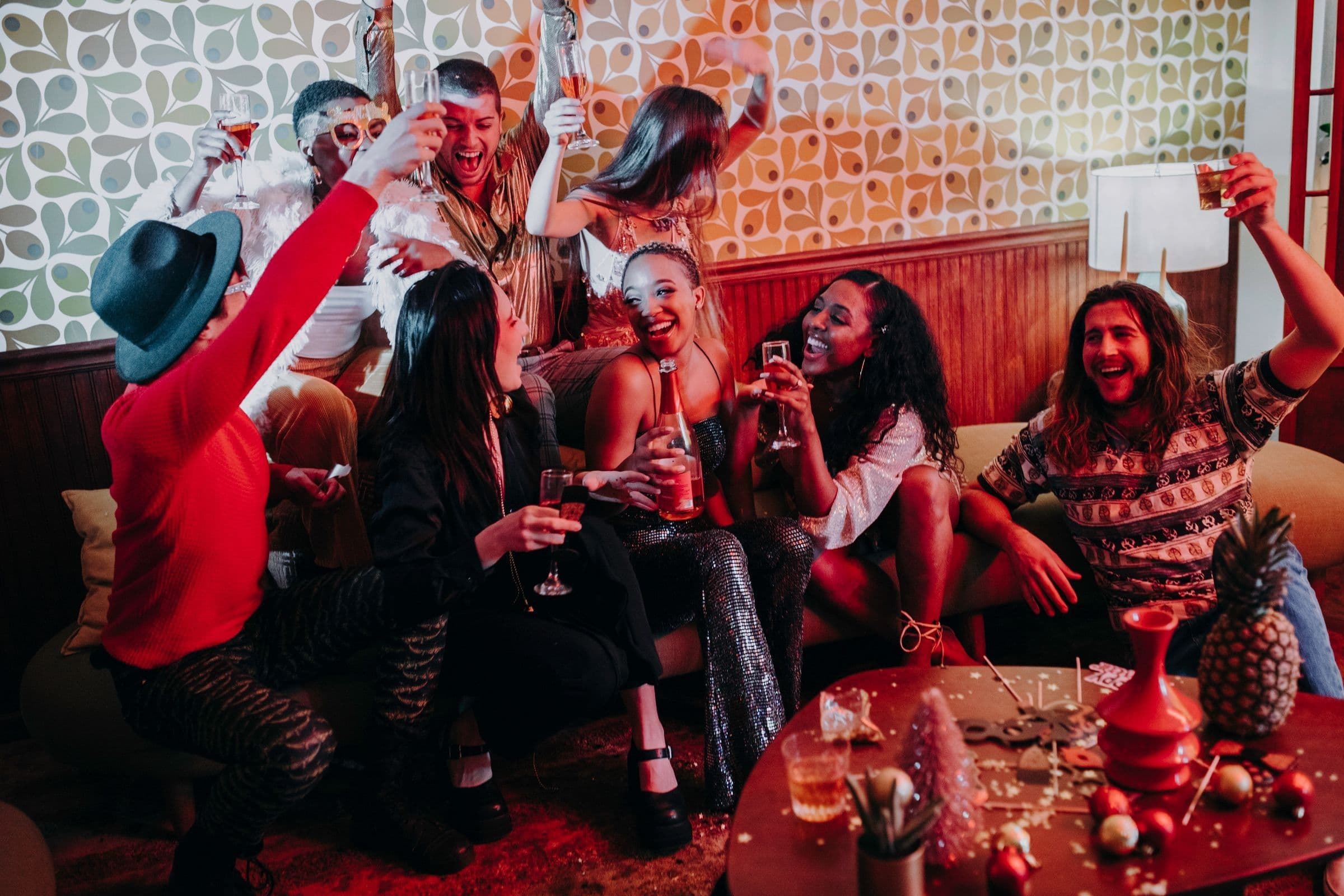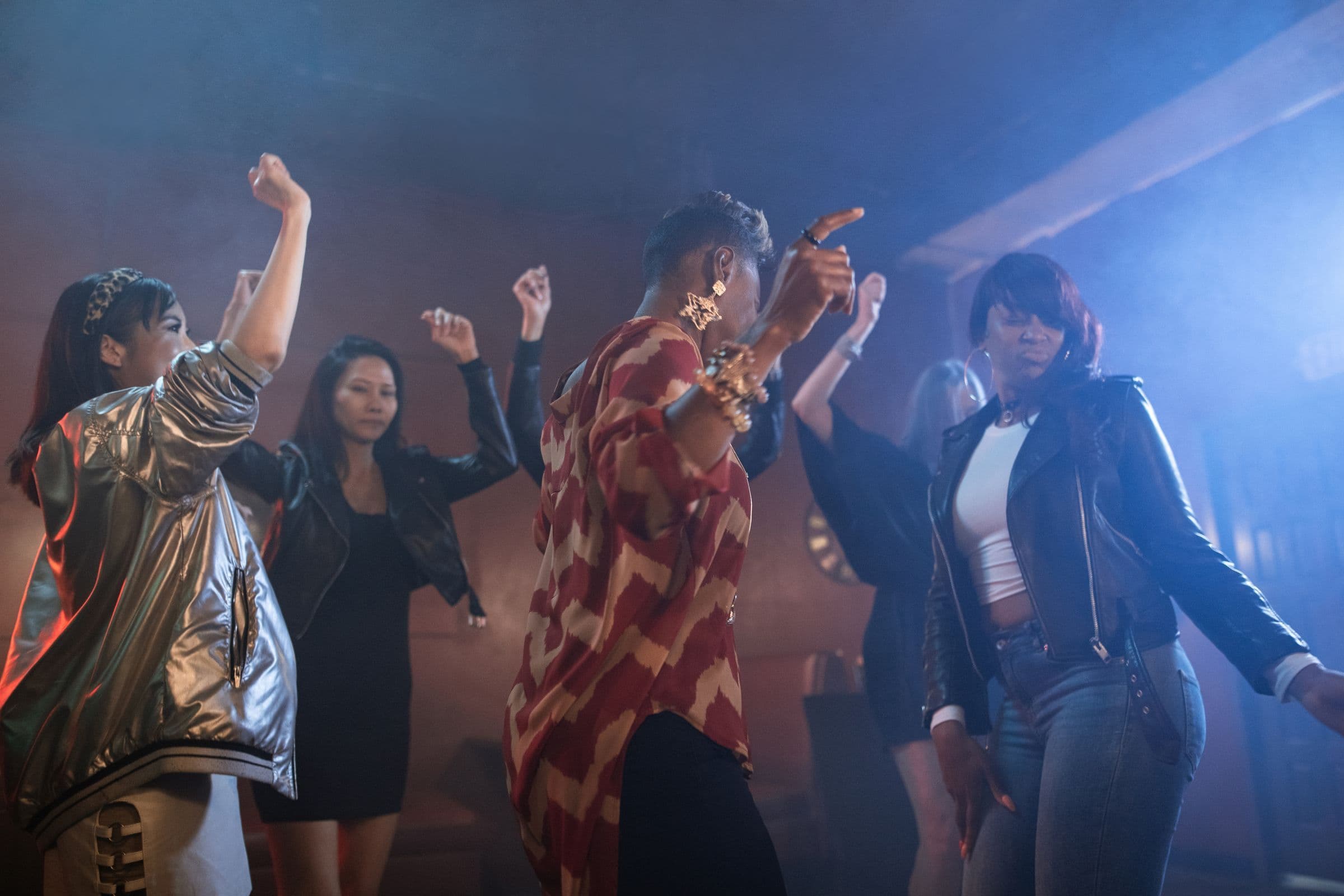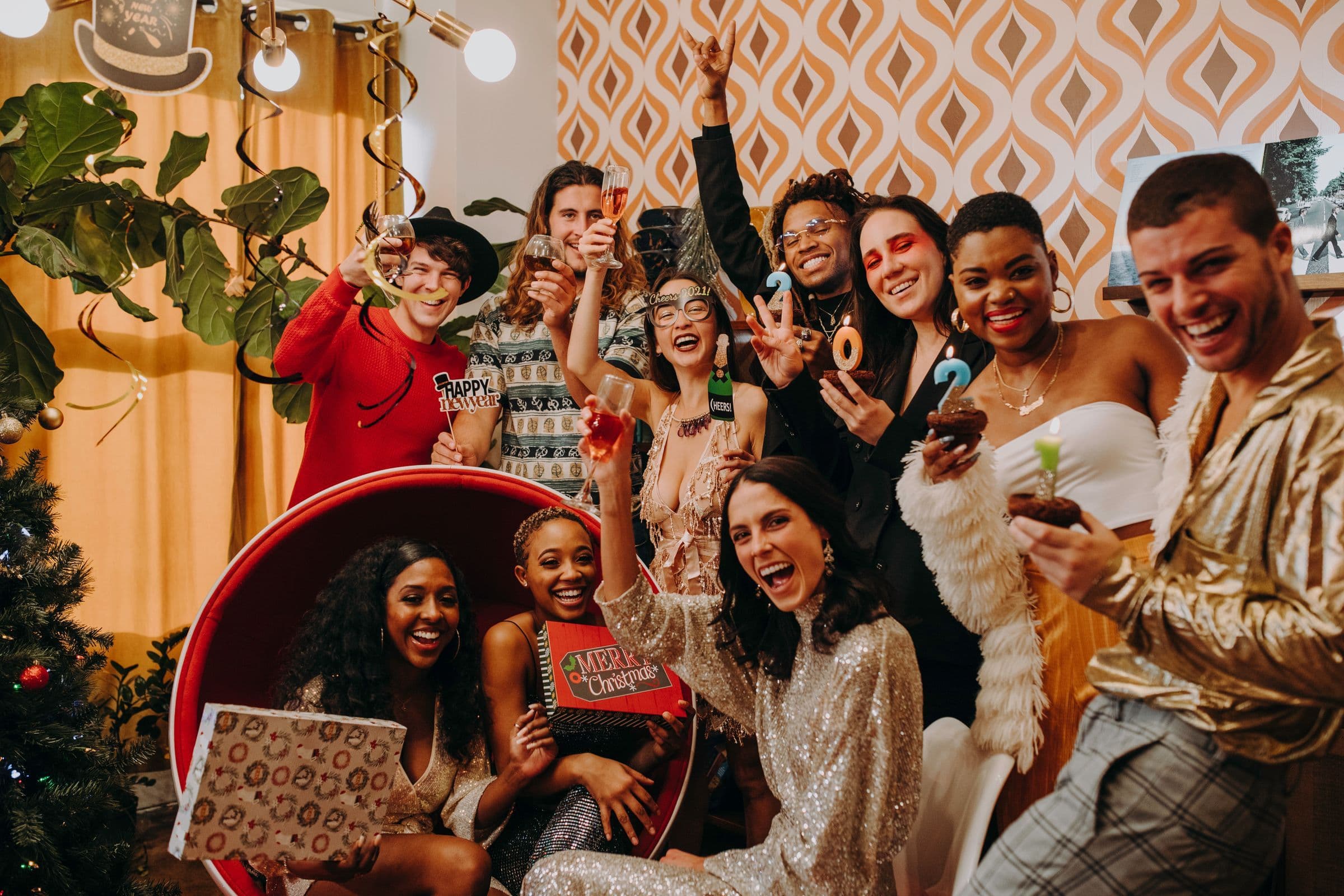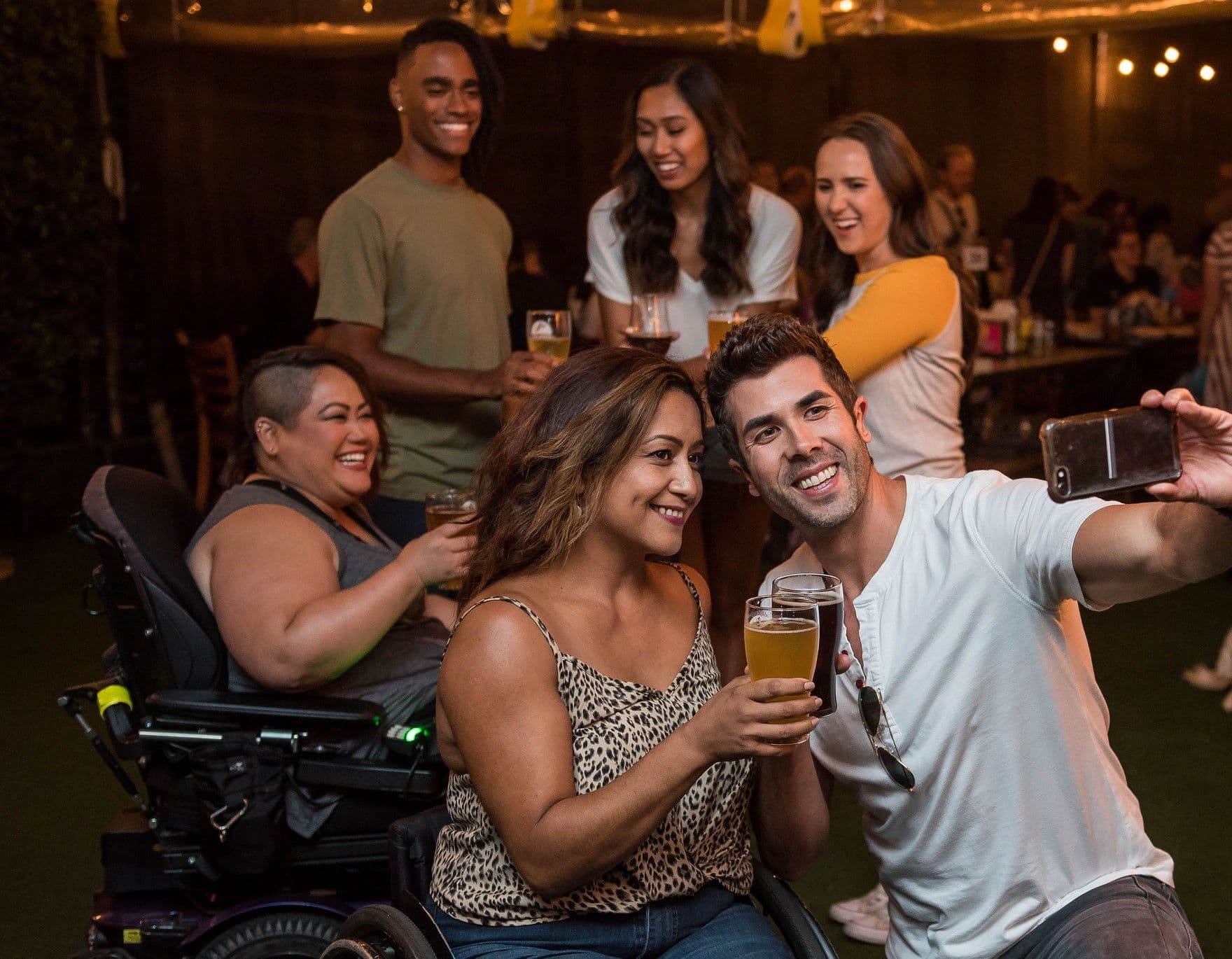
The photos from your last event are the best ad for your next one. A full room, a performer mid-set and a group of friends laughing at the bar tell a new guest more than any caption can. It's easy to end an event with a camera roll of blurry dance floor shots and nothing you can use.
A shot list fixes that. Send this one to whoever is taking photos at your next event, whether that's a hired photographer or a friend with a good phone.
Before the event: brief your photographer
- Send the run of show. Your photographer needs set times, the headliner's slot and when the room should be fullest. This run of show guide shows how to write one.
- Share this list. Mark the five shots you can't go without.
- Agree on delivery. Ask for a first batch of 10 to 20 edited photos by the next morning. That's when you'll use them most.
- Put them on your guest list and tell the door team who they are.
- If a friend is shooting on a phone, ask them to wipe the lens, skip the zoom, get closer to people and take a few frames of every moment.
The 12-shot checklist
The room before doors. The space set up and lit, with your team getting ready. It shows new guests what they're walking into.The line or the first arrivals. People showing up tells everyone else your event is worth showing up to.The door. A guest getting scanned in and smiling. It shows that getting in is quick.Each performer, wide. The performer with the crowd in the frame, so the photo shows people came for them.Each performer, close. A tight shot of hands on the decks or the mic, for the performer to share with their own fans.The view from the booth. The crowd from where the DJ stands, looking out. This is often the one you'll use most.The peak. The dance floor at its fullest, shot wide. Ask your photographer to get this at the busiest point in your run of show.Small groups of friends. Two to five people laughing or posing together. Guests are more likely to share a photo they're in.The details. Your lighting, decor, theme or anything that makes your event look like yours. Keep brand labels out of frame.Your team. The hosts, door staff and co-hosts together. A crowd likes knowing who runs the event.Vertical versions. Get vertical shots of the room, the booth and the peak, so you have photos that fit phone screens.The last song. Hands up, lights up or the final crowd shot. It's a strong photo to post the next day.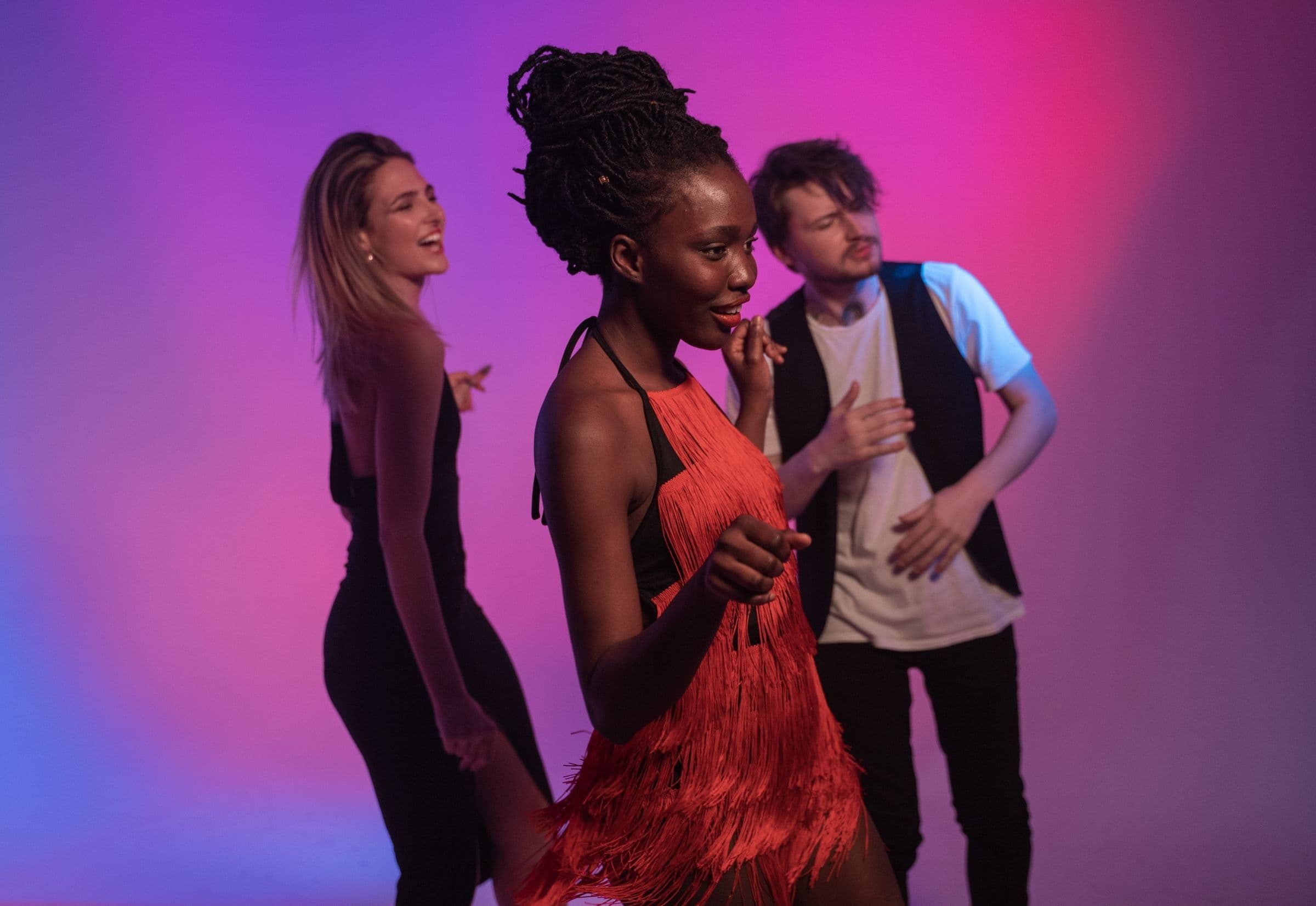
Ask before you shoot close up
Guests are more relaxed when they know what to expect. Add a line to your event description saying photos will be taken. Have your photographer ask before taking close-ups of individual guests, and leave anyone who waves them off out of the photos. If someone asks you to take a photo down later, take it down.
The next morning: put the photos to work
- Send a thank-you post to your guests with the best photos. Posts can include images and a poll, and go out by email, text or both (Create a Post). 10 Things to Do the Day After Your Event covers the rest of that morning.
- Send each performer their shots. Artists on Beatmatch can share posts with their own followers (Message Your Fans with Posts and Text Blasts), and a good photo gives them a reason to.
- Add photos to your next event page. Event images can include flyers, promotional graphics and photos from past events (Create an Event). A full dance floor from last time answers the question a new guest is asking.
- Use one for your next flyer. A real photo of your crowd makes a strong background. How to Make a Party Flyer That Sells Tickets covers what to put on it.
- Attach one to your next announcement. A text blast can include a photo (Send a Text Blast), so lead your next date announcement with the peak shot.
- Keep a folder by event. Over a few events you'll build a library of photos for every flyer, post and event page.
Put the photos on your next event
Create your next event on Beatmatch and add your best shots from this one to the event page.