Friendsgiving Party Ideas: 10 Ways to Fill the Room Before Thanksgiving
Posted 5 hours ago

Posted 5 hours ago
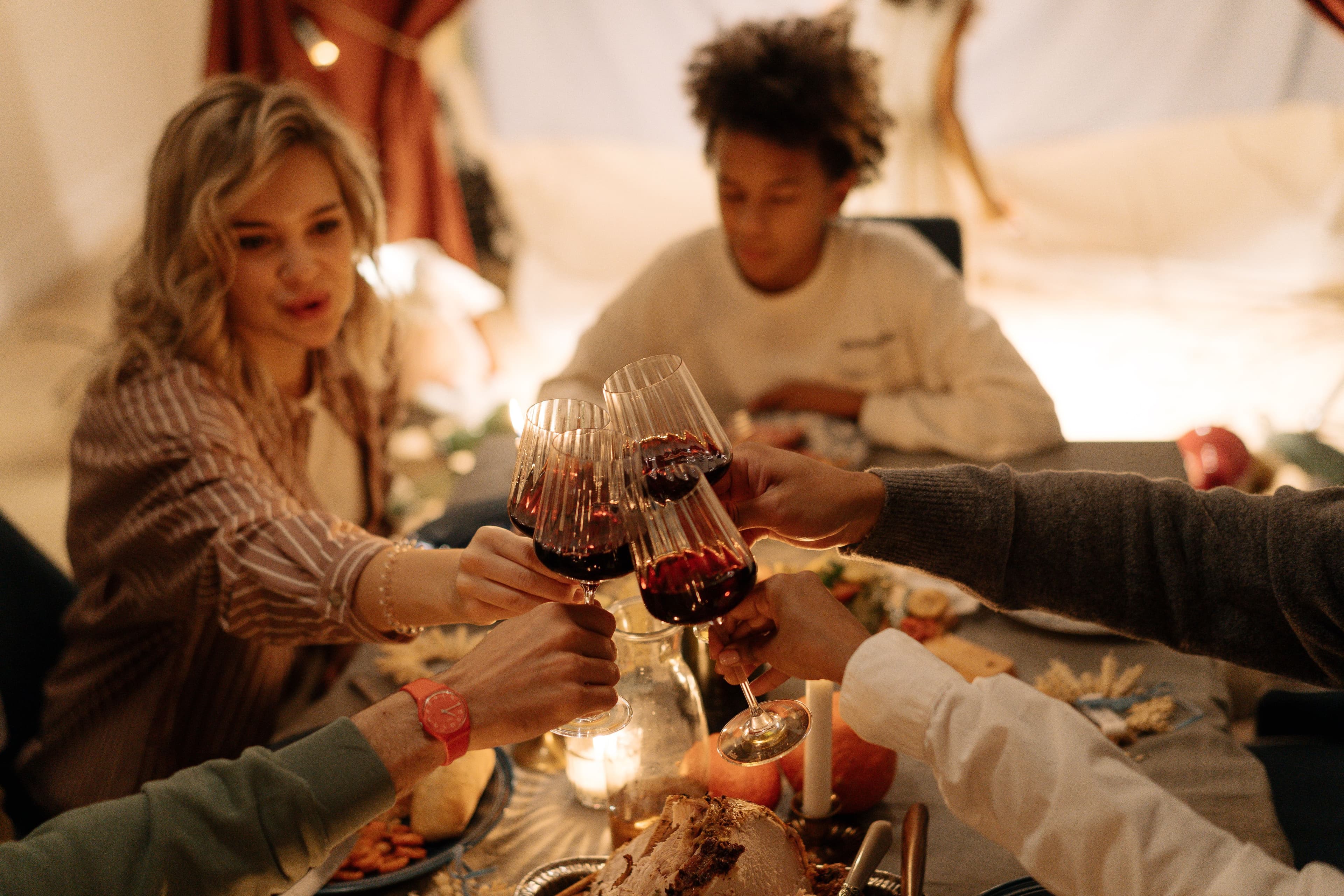
Friendsgiving is the friends-only version of Thanksgiving: a feast that turns into a party in the one or two weekends before the holiday. In 2026, that means Saturdays Nov 14 and Nov 21, or Friday Nov 20, before Thanksgiving on Thursday, Nov 26.
It is a different date from Thanksgiving Eve (Wednesday, Nov 25), when people are already home with family. Friendsgiving is for the friend group that wants one last hang before everyone travels.
Here are 10 ways to fill the room, with a short checklist at the end.
Guests decide from a group chat. Put "Friendsgiving" in the event name and the first line of the description, along with the date weekend (for example, Sat Nov 14 or Sat Nov 21) and the area. Someone scrolling on a phone should know what it is in one look. How to Write an Event Description That Sells Tickets has a template.
Friendsgiving needs space to eat and space to move. Look for a living-room-to-club hybrid, a lounge with a long table, or a small venue that can clear plates once dinner ends. Confirm the hard end time with the venue before you announce.
The description should settle the questions people ask in the chat: is it BYOB, is food provided or potluck, is there coat check, and when does it end? Clear answers cut down on day-of messages and help groups commit.
Friends buy together. Set a maximum per order that fits a friend group, like 6 or 8 (Create Ticket Options). Tickets stay on the buyer's account, so note that the buyer should arrive with the group to scan everyone in. Buying Tickets for the Whole Group? is a good link to send them.
Say what the room will sound like after dinner: throwback hip-hop, house, Afrobeats, R&B, or a mix. Add every performer to the lineup so guests can tap through to artist profiles (Add Performers to an Event Lineup).
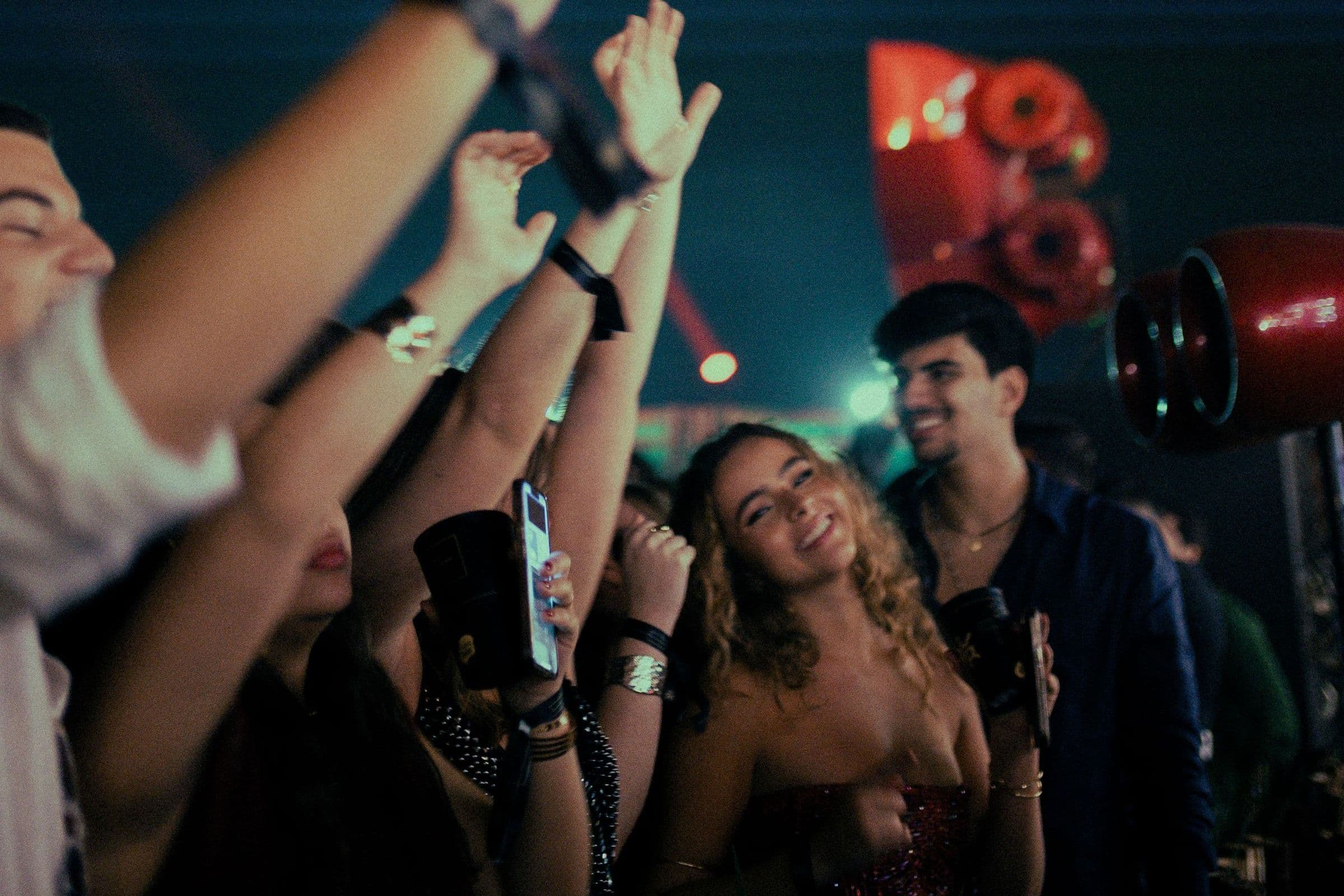
Tell the people who already know you before you push strangers. Send a post to your last event's guests by email, text or both with the date, the Friendsgiving angle and a link (Create a Post). If you host under a community profile, followers stay up to date on future events (Create a Community). Ask performers to share with their followers too (Message Your Fans with Posts and Text Blasts).
If you want each roommate group or DJ's friends to have a reason to buy early, give each crew its own promo code with a capped number of uses and an end date (Create a Promotion). That lets you track how specific groups are buying tickets and which promotions perform best.
On the day of the event, send a short text blast with doors time, the address, BYOB or food notes, and anything that changed (Send a Text Blast). Keep it short. Save longer details for an email blast if you need them (Send an Email Blast).
Groups arrive together. Add door staff with the Door Manager role so they can check in guests and scan tickets without editing the event (Add Co-Hosts to an Event). Have each person at the door scan from their own profile in the Beatmatch mobile app, and use manual check-in by name or email in Orders when a phone dies (Check In Guests). Export orders before doors as a backup list (Manage Your Orders). Run a Faster Door has more on the entrance.
Your Friendsgiving crowd will include people who only go out a few times a year. Have your December dates ready, including a pointer to Holiday Party Season and Throwing a New Year's Eve Party in 2026?. The day after, send a thank-you post with photos and the next date.
Create your event on Beatmatch, name it for Friendsgiving, and send the first announcement to the people who came last time. Create an Event walks through each field.