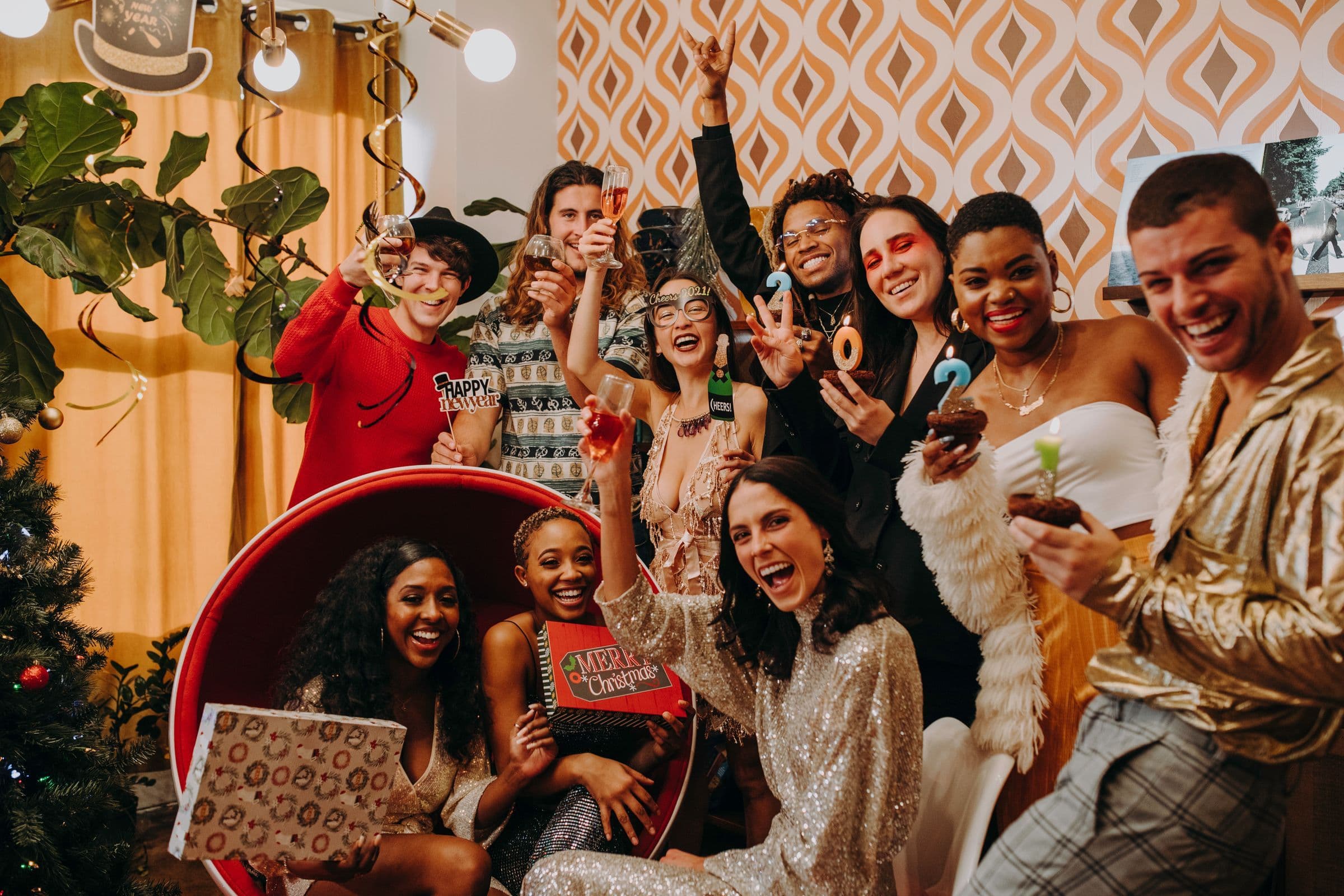
New Year's Eve 2026 lands on a Thursday, and January 1, 2027 is a Friday. Plenty of your crowd will have the next day off, so a Thursday party can sell like a weekend one. It also means most bars, clubs and house parties in town are going after the same people on the same date.
You have about ten weeks. That's enough time to do this calmly if you start now. Here's what to do and when.
Late October: decide what kind of event it is
- Pick a size you can fill. Start from what your last few events drew and add a little. An 80-person loft party and a 400-capacity club room are different jobs.
- Ask the venue the questions that matter on this date: the hard start and stop times, what staff they provide, any minimum spend or room rental, and whether they're running their own New Year's Eve event in another room.
- Confirm your performers in writing. December 31 is a busy date for DJs, so lock the deal and the set times before you announce anything.
Early November: build the event page
Set up a ticket ladder with dates on it
Each Beatmatch ticket option has its own name, price, quantity, sale start and end date, and minimum and maximum per order (Create Ticket Options). A hypothetical ladder for a New Year's Eve party:
- Early bird: a limited quantity at your lowest price, with a sale end date of Friday, November 20.
- General admission: the main tier, on sale until it sells out or until Christmas week.
- Final release: a small last batch at your highest price, on sale through December 31.
Set a maximum per order that fits how your crowd buys. People often buy for a group on this date, and a sensible cap keeps one buyer from taking a big block of tickets. How to Set Ticket Prices for a Party walks through pricing each tier.
Mid-November: announce to your crowd first
- Tell your last event's guests before you post publicly. From that event's dashboard, send a post with the date and the early bird link. Posts go to the guests tied to the event, by email, text or both (Create a Post).
- Use your community. If you host under a community profile, fans who follow it stay up to date on your future events and announcements (Create a Community).
- Get performers posting. Artists can share posts and send text blasts to their followers from the artist dashboard (Message Your Fans with Posts and Text Blasts).
- Plan around Thanksgiving. Thanksgiving is Thursday, November 26, and a lot of your crowd will be traveling or with family that week. Put your second announcement on Monday, November 23 or Monday, November 30 so it doesn't get lost.
Early December: the second push

Photo: RDNE Stock project on Pexels
Mid-December: lock the door plan
- Give everyone their own access. Add check-in staff as co-hosts with the Door Manager role and partners as Collaborators, so each person uses their own login (Add Co-Hosts to an Event).
- Staff for the rush before midnight. Most guests want to be inside before the countdown, so expect the line to peak in the hour or two before 12. Put your extra door people on for that window.
- Plan check-in. Your door team scans QR codes with the Beatmatch mobile app. If a guest's phone dies or a code won't scan, they can check that guest in by name or email from the Orders tab (Check In Guests). Run a Faster Door has more on guest lists and comps.
The final week: December 26 to 31
- Announce the final release after Christmas. The days around December 25 are a weak time for a big push. Send your last announcement on Saturday, December 26 or Sunday, December 27.
- Send a text blast the day before. On Wednesday, December 30, text your guests the door time, last entry, address and arrival instructions. Text blasts can include a photo or flyer (Send a Text Blast). How to Text Your Event Attendees has a full texting schedule.
- Export your orders. Download your order list from the Orders tab before the event so you have a backup guest list.
- On December 31, charge every door phone and open the scanner before guests reach the door.
January 1: thank the room
Send a thank-you post with a few photos, settle up with your co-hosts and write down what you'd change. 10 Things to Do the Day After Your Event has the full list. If the event went well, lock a date for your next one while your crowd is still talking about it.
Get your New Year's Eve event on sale
Create your New Year's Eve event on Beatmatch this week and open the early bird before your crowd commits somewhere else.
Top photo: RDNE Stock project on Pexels