Year in Review Post Ideas: 10 Ways Organizers Can Wrap Up 2026
Posted 6 hours ago

Posted 6 hours ago

In December, everyone looks back. Your guests will scroll past dozens of year-end recaps, and the one from the people who threw their favorite events is the one they will actually stop for. A good recap reminds your crowd what they were part of and gives them a reason to come to your first event of the new year. You need your photos, your order exports and a few honest lines. Here are 10 ideas, then a simple schedule for sending them.
Open the Orders tab for each event you ran this year and select Export orders to download a CSV of every order (Manage Your Orders). Put the files side by side and count events, guests and the names that show up more than once. DJs can check the Followers and Insights tabs in the artist dashboard (Track Your Artist Followers and Insights), and venues have the same tabs in the venue dashboard (Track Your Venue Followers and Insights). Then pick your best photo from each event. If your photos are thin this year, the Event Photography Checklist will help you get more next year.
Lead with three or four numbers your crowd can picture: events thrown, guests through the door, DJs on the lineup, cities or venues. For example, "11 events, 1,600 guests, 34 DJs, 3 venues." Leave money numbers out of public posts; guests care about the room.
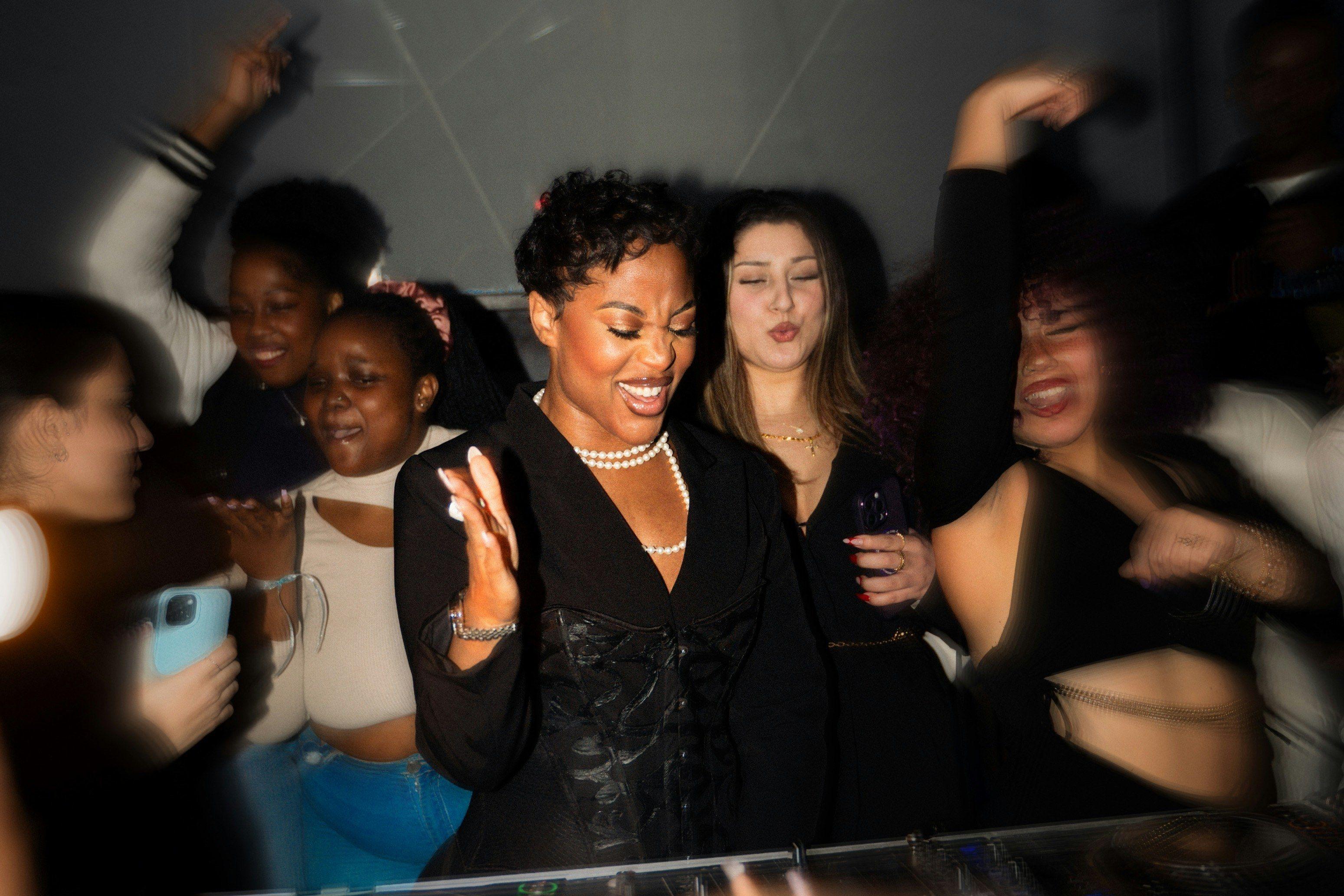
Post one photo per event, oldest first, with the date and the name of the event in the caption. A carousel works on social media, and the same photos work in a post to your guests. Seeing the whole year in a row shows people how much happened, including events they missed.
Name the DJs, hosts, door team, photographers, co-hosts and venues who made the year work, and tag their profiles so they can share it. Artists with a username on Beatmatch have a public page at beatmatch.app/@ followed by that username (Share Your Public Artist Page), so link those where you can. People share posts that name them.
Your order exports show who came again and again. You can celebrate that without naming anyone: "19 of you came to five or more events this year." If you want to name your most loyal guests, ask them first. A small thank-you for regulars, like a guest list spot at your first event of 2027, says more than a caption.
Posts on Beatmatch can include polls, so ask the people who were there: best set of the year, best theme, which event should come back (Create a Post). Share the results a week later. You get a second post out of it, and you learn what to bring back.
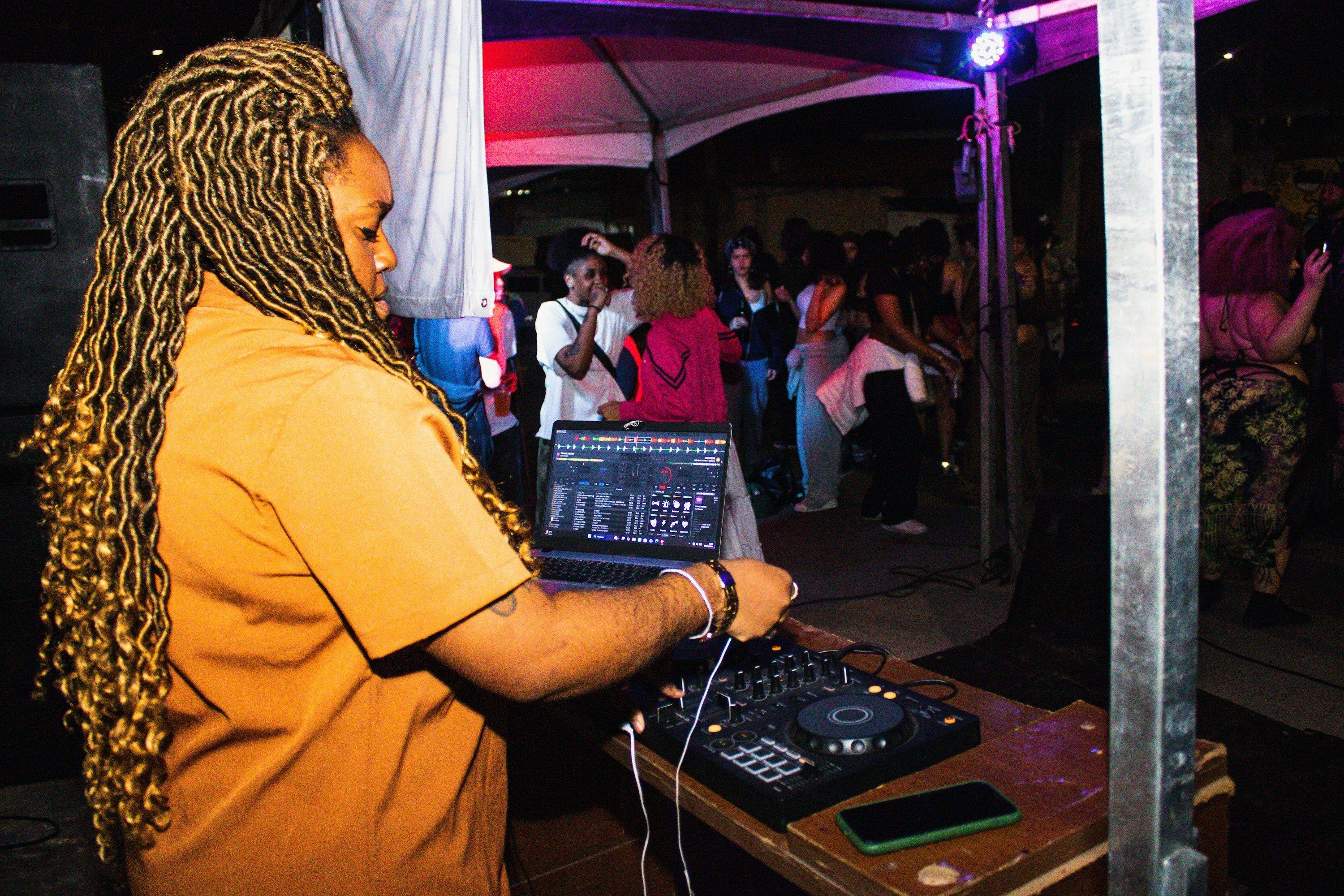
Artists can post to their followers from the artist dashboard, with a photo or a poll attached and SMS, email or both turned on. Artist posts run up to 250 characters and also show in the Latest tab on the public artist page (Message Your Fans With Posts and Text Blasts). Keep it short: the rooms you played, one favorite moment and where fans can catch you next. How to Promote Your DJ Set So Your Fans Actually Show Up covers what to post around your next date.
List the events your venue hosted, the artists who played and one moment from each season. Tag the organizers and DJs you worked with. Venues that recap with their partners give those partners a reason to share the post with their own crowds.
Share one thing you changed and what happened. "We opened doors an hour earlier in June and the line was gone by 10:30." Small, true details make a recap feel like it came from a person. Skip anything that reads like a complaint about guests, venues or other promoters.
Tease what is confirmed for next year: a returning series, a new venue, a DJ coming back. Only share what is locked in, since a teased event that moves will cost you trust. If you are still sorting out your dates, the 2027 event calendar checklist can help.
Create your first event of the new year before the recap goes out, so the last line points to a real event page. Add an early ticket option with a sale end date so people have a reason to grab tickets while the recap is fresh (Create Ticket Options). Need ideas for that first date? See Slow January? 10 Event Ideas for Organizers.
Aim for the week of Monday, Dec 14 through Friday, Dec 18. That is early enough to beat the holiday week and the New Year's Eve announcements that fill up the last days of the month. Post the recap on your social channels first, then send a post to the guests of your most recent event by email, text (SMS) or both; posts go to guests associated with that event (Create a Post). Save your text blast for the moment your first 2027 event goes on sale, and keep it to one short message (Send a Text Blast). The host and Collaborators can send posts and text blasts; Door Managers typically cannot. For more ways to stay in touch over the quiet weeks, read How to Keep Your Community Engaged Between Events.
Ready to give your recap something to point to? Create your first 2027 event on Beatmatch.