How to Do a Venue Walkthrough Before Your Event: A 10-Point Checklist
Posted 3 hours ago

Posted 3 hours ago
A venue walkthrough is the visit where you see how your event will run in a real room. Do one before you commit to a space, and again a week or two before doors if anything has changed. Go at the hour your event will run if you can, so you see the lighting, the street and the noise as guests will. Bring your run of show, your phone and the venue contact, then walk the room in the order a guest would.
Ask for the legal capacity and whether staff and performers count toward it. That number, minus a few spots for your guest list and team, is where your ticket count starts. How Many Tickets Should You Sell for Your Venue? walks through the math.
Stand outside where guests will wait. Is the line covered, does it block a neighbor, and where do rides drop off and pick up? Ask where the venue wants the line to form and how many people fit there. If your event falls in cold or wet months, read the Winter Event Checklist too.
Stand where your door team will scan tickets. Check the light and the phone signal right at the door. Guests need an active internet connection to load their ticket in the Beatmatch mobile app, and brightness matters for a clean scan (Use Your Ticket at the Door). If the spot is dark or the signal is weak, ask about staff Wi-Fi and better light at the door. Manual check-in by name or email in the Orders tab is your fallback (Check In Guests). QR Not Scanning at the Door? lists more fixes.
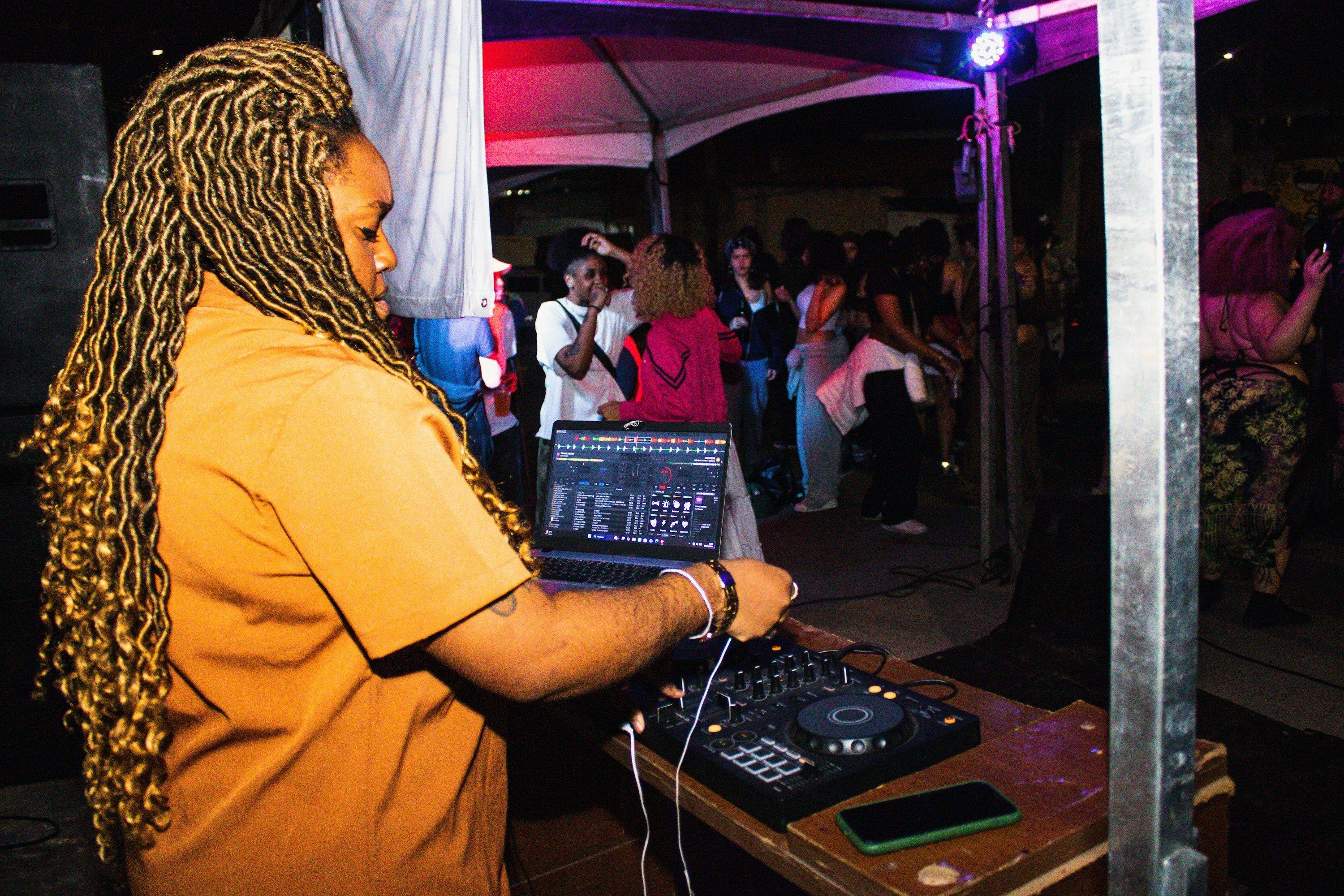
Look at where the DJ plays: can they see the floor, is the booth close to the crowd, and is the table at a usable height? Count the power outlets, check the monitors, and ask who provides the decks and mixer. Write the setup down in plain terms so you can send it to your DJs in the Artist Advance Checklist.
Ask to hear the system at event volume. Then ask about sound limits, neighbors who complain, and the hard end time for music. Build your set times around that end time. How to Plan Set Times for Your Party shows how.
Walk from the door to the bar to the dance floor. How long would the bar line get at your capacity? Can seating move to open up the floor? Count the bathrooms, find the coat check or a spot for coats, and check step-free access. Guests ask about all of these, so note the answers for your event description.
Ask the venue to set the lights the way they will be during your event. Can you dim the house lights, is there any color, and where are the bright spots? Take a few test photos on your phone, then share them with your photographer. The Event Photography Checklist covers the shots you will want.
Find the load-in door, the hours you can bring gear in, and where performers and staff can park or get dropped off. Ask how long the venue needs after close to clear the room. Put these times in your run of show.
Get names for the people working your event: the manager on duty, the sound tech, the bar lead and security. Ask who your contact is on the day and who makes the call on capacity. If the venue has a profile on Beatmatch, you can add it as a co-host so the venue appears on your event and its team can help manage it (Host Events at Your Venue). Give each co-host only the access they need, Collaborator or Door Manager (Add Co-Hosts to an Event).
Send the venue a short email after the walkthrough with what you agreed: access time, doors, hard end time, capacity, who staffs the door and anything the venue provides. Ask them to reply to confirm. Then put the guest-facing answers in your event description, like entry details, coat check and end time (Create an Event), and add the rest to your day-of staff briefing.
Found your room? Create your event on Beatmatch.