10 Things to Do the Day After Your Event (So the Next One Sells Faster)
Posted 4 days ago

Posted 4 days ago

It’s noon the day after. Your ears are still ringing, someone left a jacket at the coat check, and your phone has 40 unread messages. The easy move is to sleep and deal with all of it next week.
The day after is when your crowd remembers the event best and your team still remembers what went wrong. An hour of follow-up now gives your next announcement a warm audience and a better plan.
Send each one their own message and name one specific thing: the opener who held the room through a slow first hour, the door person who handled the 11:30 rush, the venue manager who let the closer run ten minutes long.
Someone always loses a jacket, a card or an ID. Check with the venue first about what they found and how pickup works, then write one short reply you can send to everyone who asks: what was found, who to contact and when. Don’t promise to find anything you haven’t seen.
A post on Beatmatch goes to the guests tied to your event, can include images, and works after the event as well as before. You choose whether it goes by email, text or both (Create a Post).
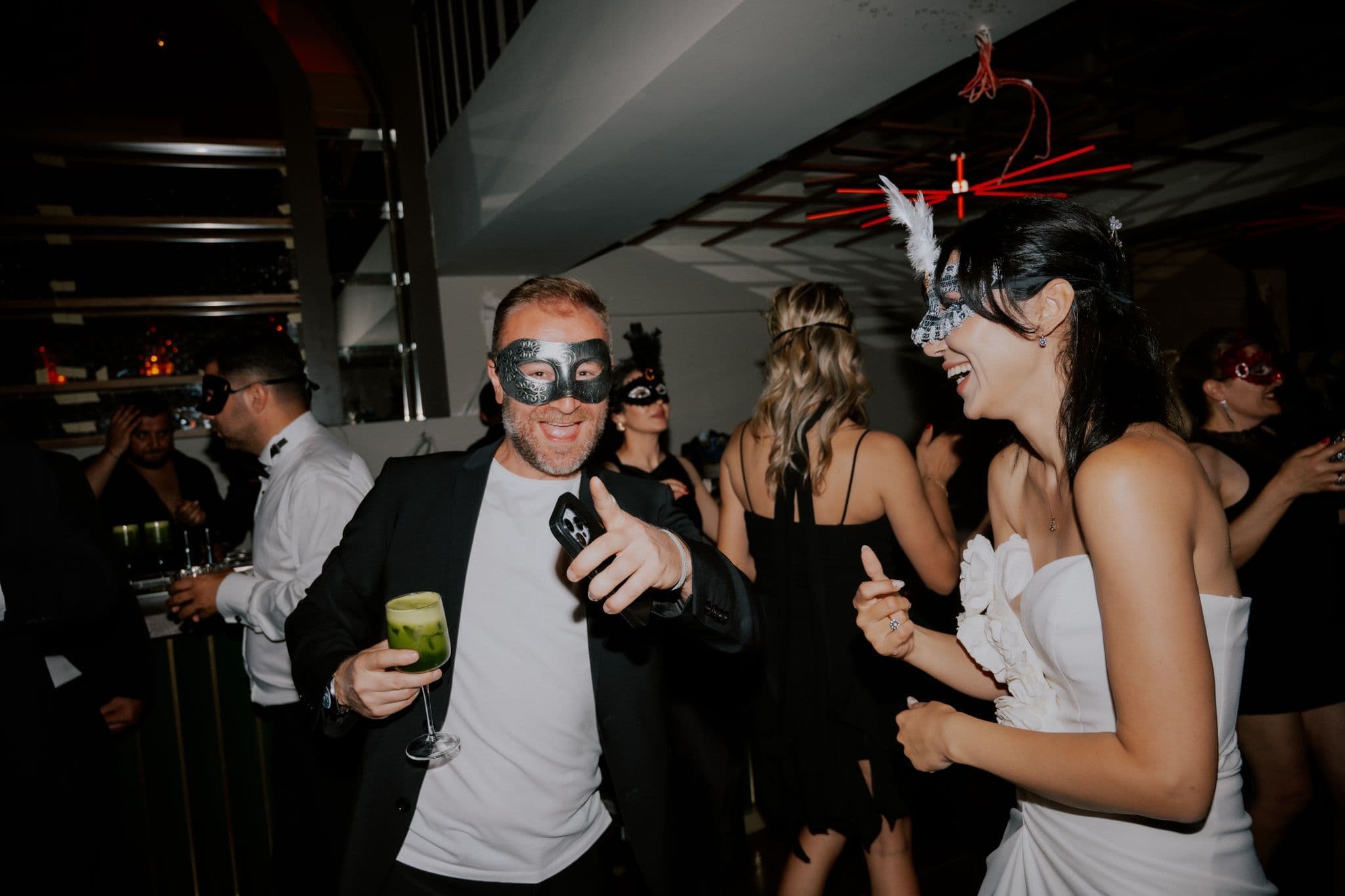
Keep it short: one line of thanks and three or four photos. If the next event already has a date, add it at the end. Pick photos that show the room, and ask anyone who’s clearly recognizable before you share a shot of them.
Posts can also include a poll. Ask one thing you’ll act on, like “Start an hour earlier next time?” or “Which DJ do you want back?” One question takes seconds to answer from a phone, and the result gives you something real to say in the next announcement.
If you hosted under a community profile, fans who follow it stay up to date on your future events and announcements (Create a Community). Add one line to your thank-you post asking guests to follow.
If this event ran under your personal profile and you plan to do more, start your community now and host the next one under it.

Open the Orders tab, check the At a glance summary, then select Export orders to download your order list as a CSV (Manage Your Orders). Each order shows how many tickets were bought and which ticket option. Note:
Save the file where you’ll find it next month. Comparing two order lists lets you spot who came back.
If you split the event with partners, share the export and settle up while everyone still remembers the deal. Then tidy access: you can change a co-host’s role or remove them at any time, and changes take effect right away (Add Co-Hosts to an Event). How to Run an Event With Co-Hosts covers the agreement to make before the next one.
Open the schedule you worked from and write on it while it’s fresh:
Next time you build the schedule, start from this copy. How to Plan Set Times for Your Party walks through the full run of show.
The best time to confirm the next date with your venue is while the last event is still a good memory for both of you. Check it against the holidays and bigger events in your scene before you commit. How to Pick a Date for Your Party has the checklist. If you’re turning this into a regular thing, How to Turn a One-Off Party Into a Monthly Series covers the name, the fixed slot and the second event.
Set up the next event with a limited early bird. Each Beatmatch ticket option has its own price, quantity and sale end date, so the early tier closes on schedule (Create Ticket Options). Then announce it to the people from this event first.
Create your next event on Beatmatch this week and open the early bird while your last crowd is still talking about it.