How to Announce Your Event Lineup: 7 Steps From Teaser to Set Times
Posted 5 hours ago

Posted 5 hours ago
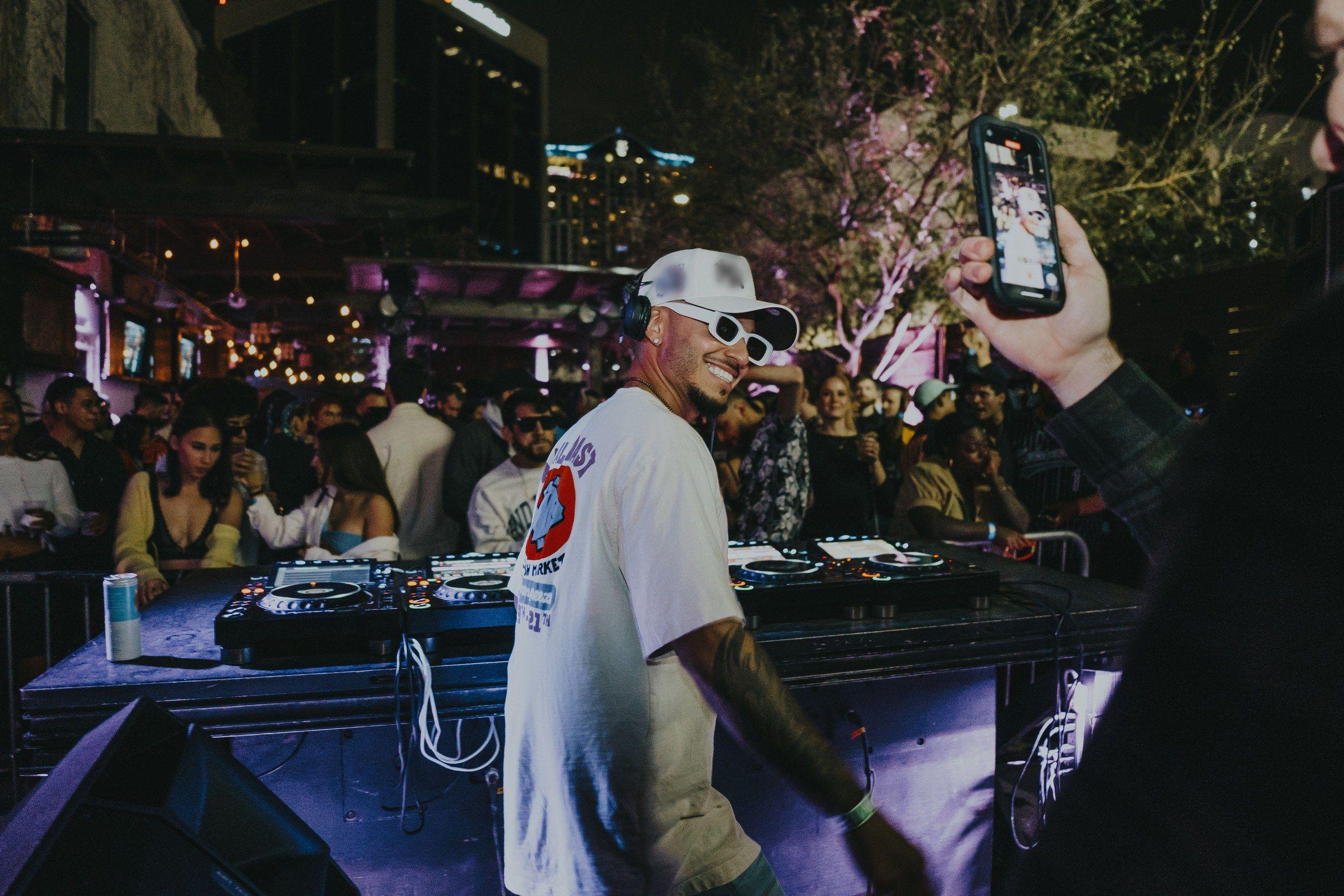
Your lineup is the strongest reason most people buy a ticket, and it usually gets one post. Organizers drop a flyer with every name on it, watch it get a burst of likes, then go quiet until the week of the event. A rollout gives you five or six reasons to post instead of one, and it gives each artist a moment their own fans will share. Here is a seven-step order that works for a single DJ party or a full lineup.
Send each act the dates you will tease, reveal and spotlight them, and ask them to post on the same days. Artists posting to their own followers at the same moment you post is what makes an announcement travel. Put this in the same message where you collect bios, photos and handles, along with the rest of your artist advance checklist.
Ask one more thing: whether they are announcing another event in your city around the same dates. You want your reveal to land first.
Add every performer to the event on Beatmatch before the first teaser goes out, so the page people land on already shows who is playing. To add performers to an event lineup, open the event, go to the Lineup or Performers section, select Add Performer, search for the artist by name or username and select their profile.
When an artist has a profile, the lineup entry links to it. Fans can tap the name to see that artist's profile, and the artist's followers can discover your event. Ticket buyers may also be given the option to automatically follow the artists in the lineup, which is a good reason to ask every act to get their artist profile added to event lineups before you announce.
If you are not ready to show every name yet, add only the acts you are revealing and add the rest on their reveal day. You can update, remove or reorder performers at any time.
Give people a reason to watch for the reveal. Good teasers:
Keep it to one or two teaser posts. A teaser campaign that runs for two weeks loses people before the reveal.
Post the full lineup flyer at the time you promised, with the ticket link in the caption or your bio. Lead with the headliner, keep names readable at phone size and put the date and city where nobody can miss them. For layout, see How to Make a Party Flyer That Sells Tickets.
Then tell the people who already know you. Create a post on Beatmatch to send the lineup to guests associated with your event; posts can include images and go out by email, text or both. A text blast works well for a short "Lineup is out" with the flyer attached.
Over the next one to two weeks, post one act at a time. Each spotlight gets:
Tag the artist and send them the post first so they can share it. If they run a Beatmatch artist page, they can also message their own followers with a post or text blast from their dashboard; see message your fans with posts and text blasts.
Save your strongest act for the last spotlight, closest to the event, when people are deciding.
Set times are their own announcement. Fans of the opener will arrive early, and fans of the closer will know they can come later and still catch the set they came for. Post them three to five days out, and reorder the performers on your event page to match the running order. For building the schedule itself, see our guide to set times and a run of show.
If an act drops out, update the event page first, then post the change with the replacement in the same post. Silence reads worse than a swap. If you need a fallback for a last-minute cancellation, use DJ Canceled Last Minute? An 8-Step Checklist for Organizers.
After the event, thank each act by name in your recap post. It closes the loop with their fans and makes the next announcement easier.
For what to post in between, see What to Post Before Your Event: 15 Social Media Post Ideas for Organizers.
Have your artists ready to go? Create your event on Beatmatch and put the lineup on the page before you post the first teaser.